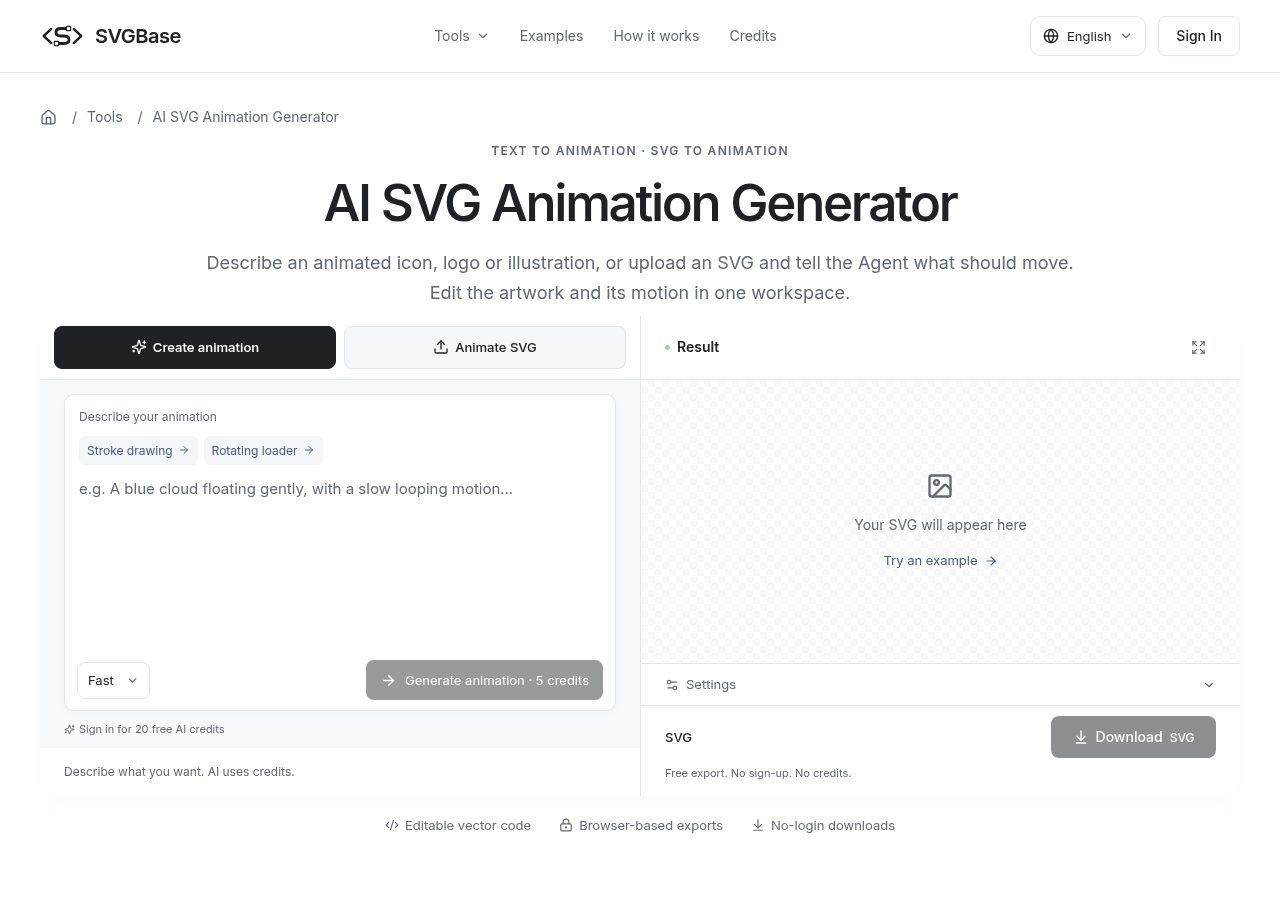
Most animated icons on the web are tiny: a spinner, a bell that wiggles, a checkmark that draws itself. They are also surprisingly fiddly to hand-write. You need a sensible transform-origin, keyframes that loop without a visible jump, and a still frame that still looks right when motion is switched off. This walkthrough covers how I now get a first draft from a text prompt and then tidy it up myself.
The tool I used for this is the AI SVG animation generator from SVGBase. It has two modes at the top of the workspace: Create animation, where you describe a new icon or illustration from scratch, and Animate SVG, where you upload a file or paste SVG code and only describe what should move.
If you already have a brand icon, use the second mode. Redrawing a logo from a prompt is a good way to end up with something "inspired by" your logo instead of the logo itself.
The page itself suggests saying three things: which part moves, the duration, and whether it loops or plays once. In practice that means prompts like:
Before anything runs you choose Fast or Quality and see a credit quote — 5 or 10 credits per request at the time of writing. Failed requests return the credits, which takes some of the sting out of experimenting.
The habit that saved me the most time: don't regenerate from zero when something is slightly off. Send a follow-up like "slow it down by half" or "make the ring blue-600". The preview has play, pause and restart, so you can check the loop seam.
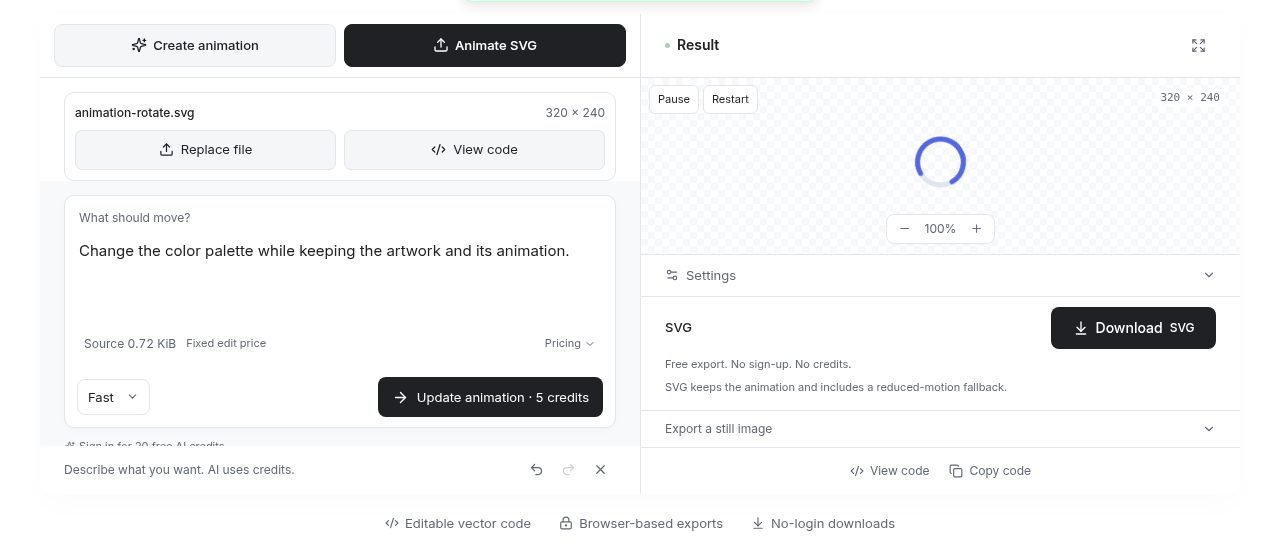
When you want precise control, View code opens the SVG so you can tweak a keyframe percentage or an easing curve by hand. Manual edits, previews and exports don't cost credits.
Download SVG gives you a single self-contained file with CSS keyframes inside it. No script tags, no external assets, and a reduced-motion fallback is included. PNG, JPG and WebP exports exist too, but they are still images captured at the 1-second mark — useful for a poster frame, not for motion.
Be clear about the scope: this is CSS animation of transforms, opacity, colors and strokes. It doesn't do SMIL, arbitrary path morphing, GIF/video or Lottie export. For UI icons and loaders that is fine; for character animation it is the wrong tool.
<img> or inline) and test there — some CMSs and email clients strip styles.That's the whole loop: describe, refine, read the code, test where it will live. The AI does the boring keyframe scaffolding; you still own the decisions.